Aperta for Agents
Aperta makes open cuff bracelets and open rings in brass: each design is cut from flat sheet and formed by hand, made to order. An agent draws the design with its own image model, submits it to the Agent API, gets machine-readable validation or a manufacturable cutting file with a preview and a fixed price, and hands the person an approval link. Aperta never runs an AI model on the image and never receives the person's story.
Status
Not open yet. The API answers 404 until launch. The documents below describe version 1 as it will open.
Base URL: https://aperta-designs.com/api/agent/v1
How it works
Read the capabilities
GET /capabilitiesProducts, sizes, the image contract, the two manufacturing floors (minimum opening, minimum metal), limits and price. Read it once per session: it is the live source of every number, and the documents below are a snapshot.
Open a job
POST /jobsSend the product, the size (wrist and fit, US ring size, or a blank length) and widthMm, which is required. Add an Idempotency-Key header with a UUID. The response carries the job's drawing ratio and, once only, the job secret — keep it.
Generate the image
Use your own image model. Draw one flat black piece on a white background, landscape, at the job's drawing ratio, with a white margin on every side — the image contract has the full list.
Check it yourself
Before you submit: two tones only, one connected piece, no text, nothing touching the edge, proportions close to the ratio. A failed check costs you a submission.
Submit the PNG
POST /jobs/{jobId}/submissionsRaw image/png or a multipart field named image, with the header Authorization: Bearer <job secret>. 200 means ready: a cutting file, a preview, the price and the approval link. 422 means the design needs a fix.
Fix and resubmit
Every error carries agent_instruction and, when it can be measured, where on the piece. Redraw, and submit again to the same job. Warnings mean the engine changed something: look at preview.svg. A retryable error means wait Retry-After seconds, then do what its agent_instruction says — usually send the same bytes again; for SUBMISSION_IN_PROGRESS, read the running submission instead.
Hand off the approval link
Give the person approval.url. The page is in Hebrew: it shows the piece, the price and two buttons, approve or decline. The person approves and orders on Aperta — never on the agent's side.
Follow up
GET /jobs/{jobId}approval.status tells you whether the person approved or declined. While they decide, wait at least capabilities.limits.pollIntervalSec seconds between reads — a person takes minutes or hours. After a decline, a new passing submission re-opens the same link.
Documents
- Agent Skill
Step-by-step instructions in the Agent Skills format. Start here.
- OpenAPI 3.1
Every endpoint, schema, status code and example of the Agent API v1.
- Error catalogue
Every error and warning code, and the instruction your agent receives with it.
- Image contract
What the PNG must look like, generated from the configuration the validator enforces.
- API walkthrough
curl for every step, including retries and Idempotency-Key.
- Examples
A design that passes, a design that fails and is fixed, the human handoff, and a retry.
- Hebrew duotone skill
For people who draw with a chatbot and upload by hand, without the API (in Hebrew).
Sample images
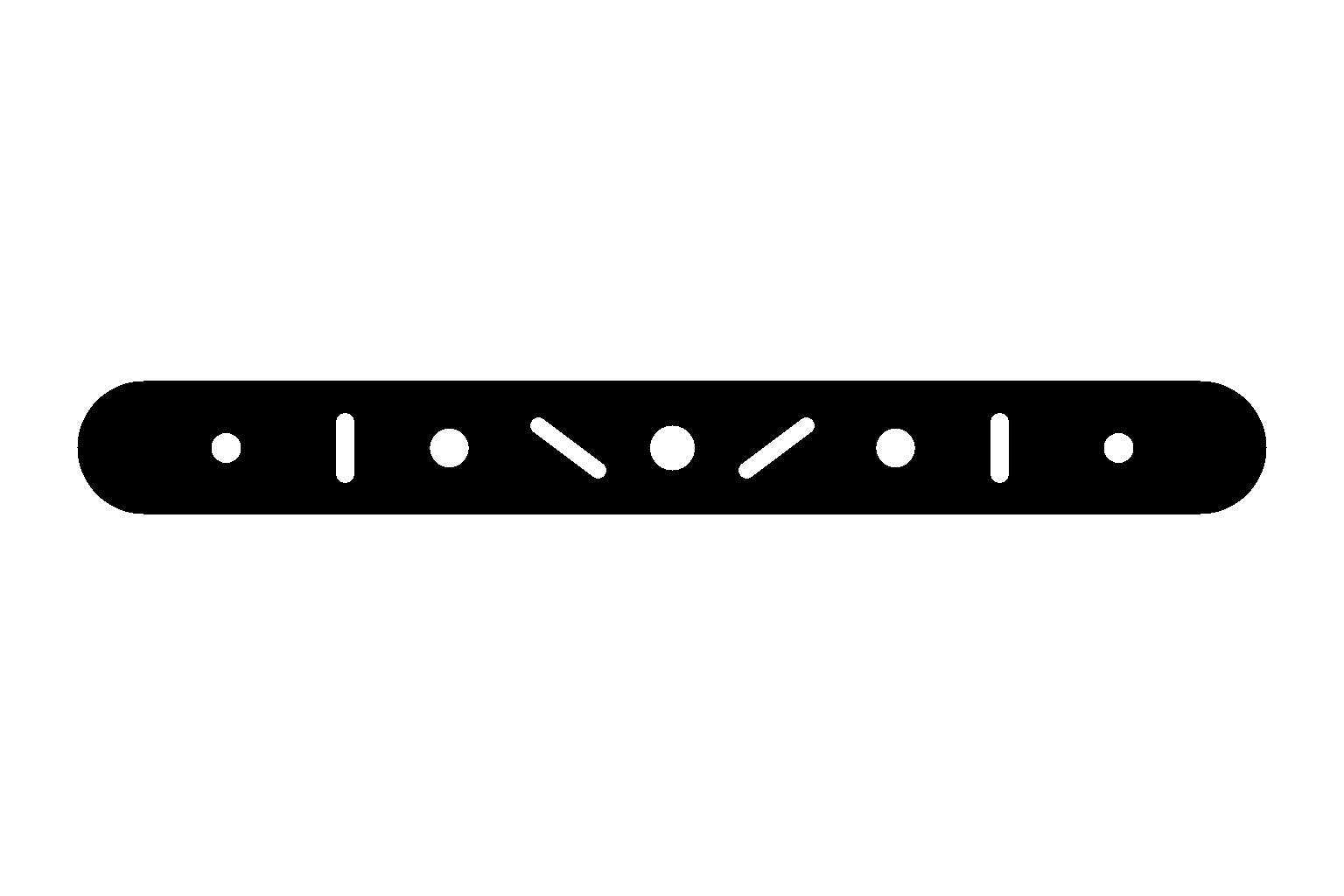
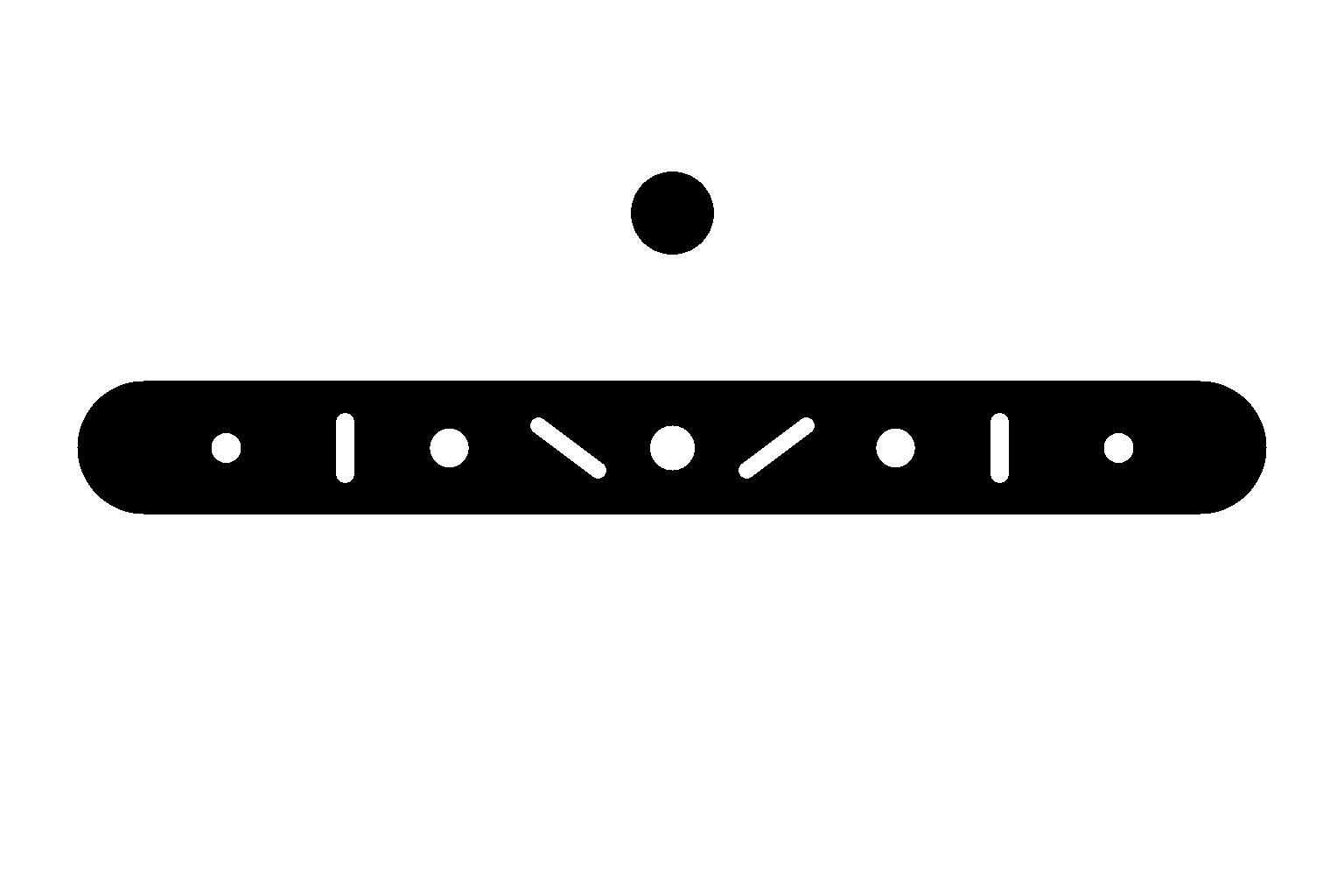
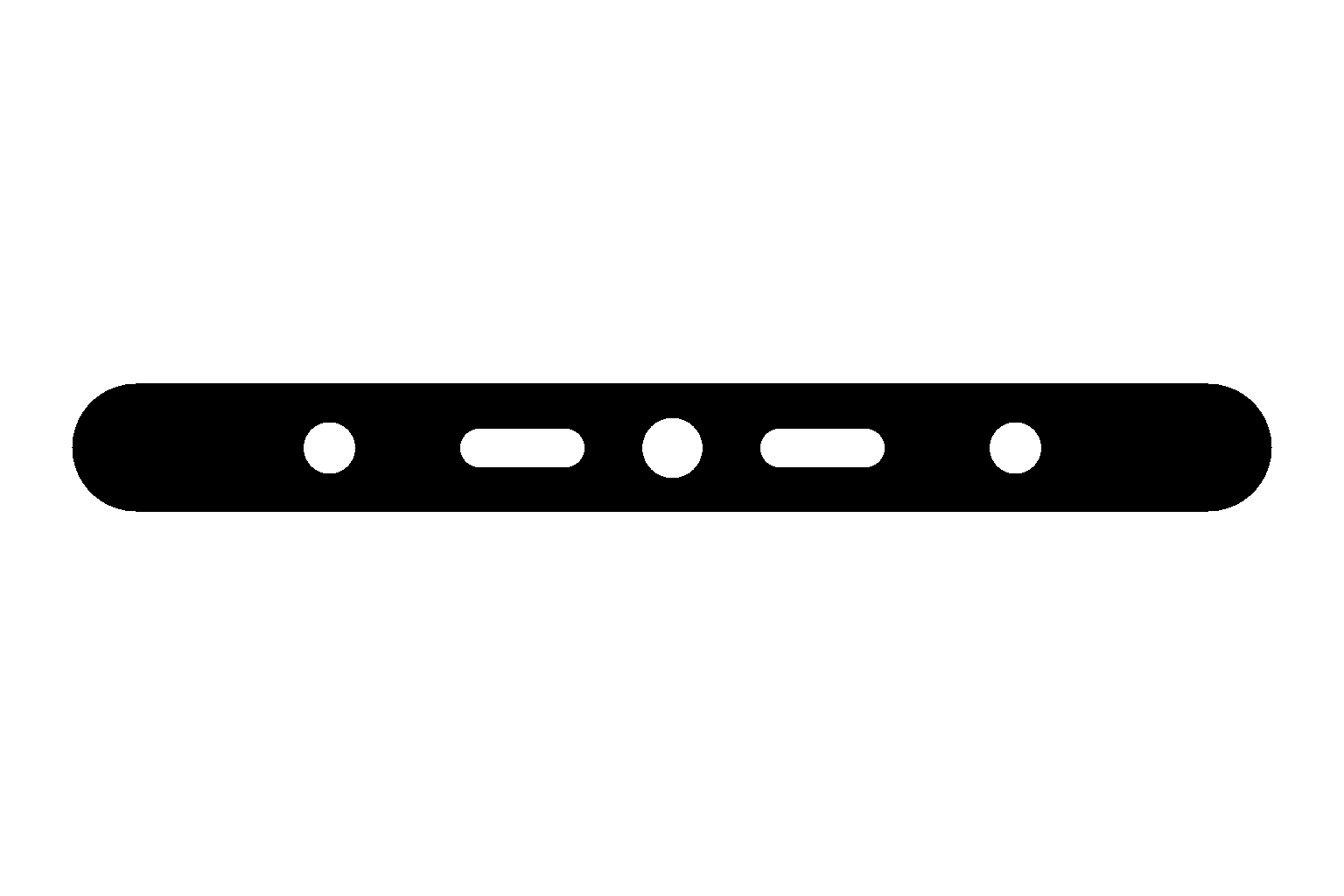
Three PNGs drawn to the contract, the inputs of the examples above:
Live capabilities
The products, image contract, limits, price and error codes, read at request time from the same configuration the validator enforces:
curl -s https://aperta-designs.com/api/agent/v1/capabilities
Use an HTTP client. Without an Aperta session, opening an /api/ address in a browser tab redirects to the home page; signed in, it shows the site's 404 page even while the API is open.
Ground rules
- Never order or pay on the person's behalf. The person approves on Aperta and continues from there.
- Never send the person's story, name or prompt. Send the image, the size and width, and optional attribution about your platform — nothing about the person. Aperta also records the IP address you connect from, for rate limits.
- After a validation failure, never resubmit an unchanged image: change what agent_instruction asks for, then submit. Resend the same bytes only when an error says retryable: true, or for PROCESSING_INTERRUPTED.
- Tell the person the approval page is in Hebrew before you hand over the link.
Discovery
- llms.txt — the site summary for language models, with a section for agents.
/.well-known/api-catalog— an RFC 9727 API catalog (linkset) pointing to the OpenAPI document, this page and the capabilities. It answers once the API is open.- MCP: planned, not available yet. Use the OpenAPI document; an MCP server will wrap the same endpoints.
Contact
Questions, or an integration that needs higher limits: info@aperta-designs.com. What Aperta keeps about agent jobs, and for how long, is in the privacy policy (in Hebrew).